
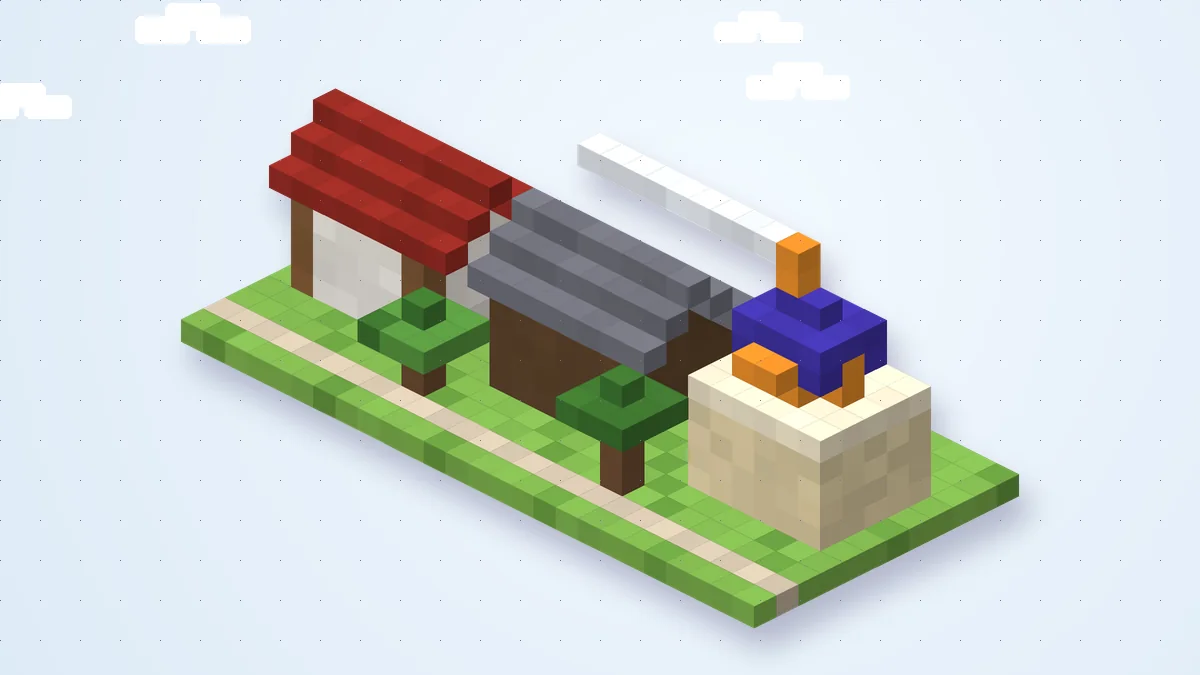
MineColonies separates what a building does from how it looks. A farm hut always houses a farmer and a residence always provides beds, but the walls, roofs and decorative details around those functions come from style packs. This separation is one of the mod's most appealing features, because it allows two colonies with identical economies to look entirely different. Choosing a style is therefore less a technical decision than an artistic one, yet it carries practical consequences for materials, building times and how the colony fits its landscape. This article explains how styles work and how to choose one with care.
What a style pack contains
A style pack is a collection of blueprints. Each blueprint is a saved structure that tells the builder exactly which block goes where. A complete pack provides blueprints for every building type at every level, along with decorative structures such as walls, paths, fountains and gates.
When you open the build tool, you select a pack and then a building within it. The preview shows the blueprint for that level. As you upgrade the building, the builder replaces it with the next level's blueprint from the same pack, so the building grows in a consistent visual language.
Blueprints are handled by Structurize, the companion library that powers placement, previews and construction. Structurize also provides the tools for scanning your own builds into blueprints, which is how custom styles are made.
Styles that ship with the mod
MineColonies includes a range of styles, and the exact list varies between versions. Long-standing examples include medieval styles built from oak, spruce or dark oak, a Nordic style in spruce, and styles inspired by colonial, Caledonian, fortress, pagoda, Incan, ancient Greek, desert oasis, mesa and jungle treehouse architecture, along with more unusual options built into caverns or trees.
Each has its own character. Medieval styles feel familiar and forgiving. The desert and mesa styles use sandstone and terracotta and look striking in arid biomes. Treehouse and cavern styles reshape the way a colony occupies space entirely. Browsing the build tool with a few minutes to spare is the best way to discover which appeals to you.
Practical factors in choosing a style
Visual preference is the starting point, but several practical factors deserve weight.
Material availability matters most. Every block in a blueprint must be supplied to the builder. A style that relies heavily on a particular stone, terracotta colour or decorative block will be easy in a biome where that material is plentiful and laborious where it is not. Before committing, preview several buildings and note which materials recur.
Footprint and height affect layout. Some styles produce compact buildings that suit dense towns; others spread outward or rise tall. Consider how much flat land your site offers and whether you prefer a sprawling village or a tight walled city.
Upgrade progression varies. In some styles, early levels are modest and later levels become grand; in others, even the first level is substantial. A style with gentle early levels reduces the material burden while the colony is young.
Biome harmony is the final consideration. A style that echoes its surroundings makes the colony feel rooted. A deliberately contrasting style can work well too, but it is a choice worth making consciously.
Mixing styles thoughtfully
Nothing requires a colony to use a single style. Some players dedicate districts to different styles, for example a medieval market quarter and a Nordic harbour. Others keep a single style for most buildings and use a contrasting one for landmarks such as the town hall or university.
Mixing works best with a clear plan. Use transitional elements such as walls, roads and plazas to separate districts, and keep palettes compatible where districts meet. A random mixture of styles often reads as clutter, whereas deliberate zoning can make a colony feel like a city with history.
Changing style after construction
Buildings remember the pack they were placed with, and upgrades continue in that pack. If you later prefer another style for a particular building, you can generally place the replacement through the build tool, which may involve the builder rebuilding the structure. Because this consumes materials and time, it is better to experiment in a creative test world before committing in survival.
A creative world is useful for styles in general. Placing every building from two or three candidate styles side by side reveals far more than browsing previews one at a time.
Community style packs
Beyond the included styles, a lively community produces additional packs. These range from historical themes to fantasy architecture, modular designs and packs inspired by particular builders. Many are distributed as add-on mods or as blueprint packs that you install into the appropriate folder for your version.
When using community packs, read their requirements. Some rely on decorative blocks from other mods, and a pack that expects a particular decoration mod will produce incomplete buildings without it. Checking compatibility with your MineColonies version is also important, because blueprint handling has evolved over time.
Creating your own style
Players with a strong architectural vision can create custom styles. The process centres on Structurize's scan tool. You build a structure, define its bounds with the scan tool and save it as a blueprint. To function as a MineColonies hut, the blueprint must include the hut block and follow the conventions the mod expects for that building type.
A complete style requires a blueprint for each building and each level, which is a substantial undertaking. Many creators start with a handful of buildings for personal use and expand gradually. The wiki documents the requirements, and community spaces include experienced style authors who share techniques.
Designing a style teaches a great deal about how MineColonies buildings function. You learn where workers expect to stand, which blocks serve as storage and how levels should grow. Even an unfinished personal style deepens understanding of the mod.
Decorations and infrastructure
Styles also include decorative structures that tie a colony together. Roads, walls, gates, towers, bridges and plazas are all available through the build tool, and the builder constructs them like any other blueprint. These pieces transform a collection of huts into a coherent town.
Infrastructure also has practical effects. Clear roads help citizens move efficiently, walls and gates support defence, and lighting reduces hostile spawns. Investing in decoration is therefore not purely aesthetic; it often improves how the colony runs.
Performance and scale
Large, detailed styles contain many blocks, and building them takes longer and consumes more materials. On servers with many colonies, extremely intricate styles can also add to world size. These considerations rarely matter for single-player worlds, but server owners sometimes guide players towards styles that balance beauty with efficiency.
Planning a layout around your chosen style
Once a style is selected, planning the layout makes the most of its character. Styles with wide footprints suit broad avenues and open plazas, while compact styles lend themselves to dense, winding streets. Consider where major landmarks, such as the town hall and university, will stand, and leave space around them so that their architecture can be appreciated.
Roads deserve thought as well. A consistent road network ties buildings together visually and improves citizen movement. Many style packs include road and path blueprints that match their architecture, and using them gives the colony a polished, coherent appearance.
Finally, consider how the colony will grow. Leaving room for future buildings and upgrades prevents awkward expansions later. Sketching a rough plan, even on paper, helps maintain coherence as the settlement develops.
Matching style to gameplay goals
Styles can also support gameplay goals. Fortified styles emphasise walls and towers, which complements a colony that expects heavy raids. Compact styles reduce travel distances, benefiting a colony focused on efficient logistics. Expansive styles suit players who enjoy large, impressive builds and have abundant materials.
Thinking about how you intend to play helps narrow the choice. A colony designed for defence, for efficiency or for beauty can each find a style that reinforces its purpose. When style and goals align, the colony feels intentional rather than accidental.
Testing styles before committing
A creative test world is the most effective tool for choosing a style. In creative mode, the builder still constructs blueprints, but materials are not a constraint, so you can see several complete buildings quickly. Place the town hall, a residence, a farm and a few workshops from each candidate style, walk among them at different times of day and imagine the colony at full size.
This exercise often changes minds. A style that looked appealing in a single preview may feel repetitive across a whole town, while a modest-looking style may prove charming when its buildings stand together. Taking an hour to test before committing saves many hours of reconstruction later.
Respecting style authors
Every style pack represents considerable creative effort. Authors design each building at multiple levels, ensure the blueprints function correctly with MineColonies and test them across versions. When using community packs, crediting their authors in screenshots or videos and providing constructive feedback supports the people who make the colony-building experience so varied.
Frequently asked questions
Can I use more than one style in the same colony?
Yes. You can choose a different pack for each building. Planned districts or contrasting landmarks tend to look better than an unplanned mixture.
Why does a style ask for blocks I cannot find?
Some styles rely on specific materials or on decorative blocks from companion mods. Preview buildings before committing and choose a style whose materials your area provides.
Do upgrades keep the same style?
Upgrades normally continue in the pack the building was placed with, so the building grows in a consistent visual language.
How do I make my own style?
Build structures in game, scan them with Structurize's scan tool, and save them as blueprints that follow MineColonies conventions. The wiki explains the requirements for each building type.
Are community style packs safe to use?
Packs from reputable sources are widely used. Check that a pack matches your MineColonies version and install any decoration mods it requires.
Conclusion
Styles give MineColonies much of its personality. They let players express taste, respond to landscape and tell a story through architecture while the underlying economy remains the same. Choosing well means balancing appearance with materials, footprint and upgrade progression, and testing candidates in a creative world before committing in survival. Whether you adopt an included style, install a community pack or design your own, a deliberate architectural identity turns a functional colony into a place worth returning to.